

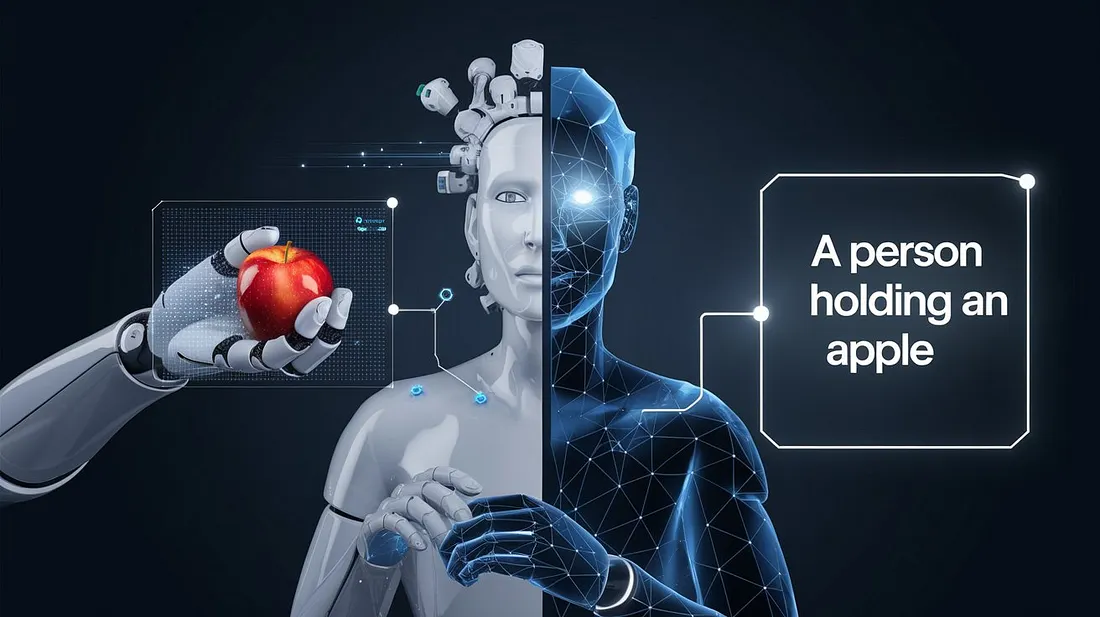
A photo used to be dead weight for most software unless a person tagged it, cropped it, or explained what mattered. A Vision Language Model changes that by letting AI read visual details and connect them to words, questions, tasks, and context. That means the system can look at a warehouse shelf, a medical chart, a broken appliance part, or a messy PDF screenshot and give an answer that feels closer to a trained assistant than a caption machine. VLMs are built to work across images and text, often answering questions about pictures, documents, video frames, and visual scenes rather than naming one object at a time.
For U.S. businesses, schools, clinics, publishers, and local service companies, the value is not the wow factor. It is time saved on visual work that used to sit between people and decisions. Teams watching the rise of AI tools through digital technology coverage now need to understand where this shift is useful, where it fails, and why human review still matters. The better question is not whether AI can “see.” It is whether it can explain what it sees in a way you can trust.
Where AI Image Understanding Stops Being a Caption Trick
Early computer vision felt stiff because it was built for narrow jobs. One model could spot a dog. Another could detect a stop sign. Another might read a license plate. Useful, yes, but each job needed the right setup, clean data, and a tight task.
Modern multimodal AI is different because it connects visual input with language. Stanford HAI describes multimodal AI as systems that can process multiple kinds of data, such as text, images, audio, and video, in the same workflow. That matters because real life rarely arrives in one clean format.
Why captions were never enough for real users
A caption tells you what is in a picture. A useful assistant tells you what matters.
Think about a homeowner in Ohio sending a photo of a leaking water heater to a repair company. “A water heater in a basement” is not enough. The useful answer might point out rust near the valve, water pooling under the tank, and a shutoff handle that appears reachable. That is image understanding, not image naming.
The same problem shows up in online retail. A shopper can upload a picture of a damaged chair, and the system may help a support agent sort whether it looks like shipping damage, assembly error, or normal wear. It does not replace the agent. It gives the agent a faster first read.
The non-obvious part is that the words matter as much as the pixels. Without language, the model may detect objects. With language, it can respond to intent: “Is this safe?” “Which part is missing?” “Can this be returned?” That shift is why AI workflow planning now needs visual tasks in the discussion.
The new skill is context, not eyesight
Humans do not look at an image as a flat grid. You bring memory, purpose, and judgment. AI does not have human experience, but it can now connect visual patterns to written instructions in a way older systems could not.
That is why document images are such a strong use case. A scanned invoice is not only text. It has layout, totals, logos, signatures, tables, checkboxes, and sometimes handwriting. A plain text extractor can miss the relationship between those parts. A stronger visual system can read the page more like a person sitting at a desk.
There is a catch. These systems can sound sure while being wrong. A blurry label, a hidden corner, or a weird camera angle can lead to a confident answer that misses the point.
That is not a small issue. It is the core tradeoff.
Why a Vision Language Model Reads More Than Pixels
The reason this technology feels different is that it does not treat an image as a sealed object. It turns visual pieces into signals that can be compared with language. Then it answers based on both what appears in the image and what the user asked.
That is why two people can upload the same kitchen photo and get two useful answers. One asks, “What style is this?” The other asks, “What should I fix before selling the house?” Same pixels. Different task.
How visual tokens become answers
A model breaks an image into smaller parts, then maps those parts into a form the language system can work with. It may focus on edges, shapes, colors, text, layout, object position, and relationships between objects. The answer comes from matching those signals with the question.
Apple’s 2025 FastVLM research points to a major pressure in this field: visual AI needs to be faster and more efficient if it is going to work well on devices and real-time tasks. That tells you where the market is heading. People want this inside phones, laptops, cars, glasses, field tools, and service apps, not only inside remote cloud systems.
A field adjuster in Florida could photograph roof damage after a storm. A small business owner in Texas could scan a shelf and ask what items are low. A teacher in Michigan could upload a student’s worksheet and ask where the student’s reasoning went off track.
The model is not “thinking” like those people. Still, it can organize the visual scene around their question.
Why “understanding deeply” still needs limits
Deep image understanding sounds final, but it is better seen as layered. The first layer is detection. The second is description. The third is reasoning across objects, text, layout, and user intent. The fourth is judgment, and that is where humans still belong.
For example, a model may describe a mole from a phone photo, but it should not make a medical diagnosis. A model may flag a cracked support beam, but a licensed inspector should decide what it means for safety. A model may read a car dashboard warning light, but a mechanic still checks the cause.
This is the part many hype-heavy posts skip. More visual skill does not erase responsibility. It moves the first pass faster, then leaves the final call to the right person.
That is a better deal than pretending AI can do everything.
The Best U.S. Use Cases Are Boring, Repetitive, and Valuable
The flashiest demos get attention, but the best business cases are often plain. A system reads forms. A system checks product photos. A system helps support teams sort visual complaints. A system compares planograms to store shelves.
Boring work has a hidden advantage: it is measurable. You can test whether the answer helped. You can compare it with human review. You can set rules for when the system must ask for help.
Visual reasoning helps teams handle messy evidence
American businesses run on messy evidence. Photos from customers. Screenshots from employees. Scans from vendors. PDFs from agencies. Security camera stills. Equipment images from job sites.
A restaurant group in Arizona might ask managers to upload cooler photos at closing. The system can help check whether food is covered, labels are visible, and shelves look organized. It will not know the whole health code from one image, but it can catch issues before a district manager spends Sunday night reviewing photos.
That kind of image understanding is practical because it lives inside a workflow. The model is not being asked to perform magic. It is being asked to reduce visual sorting.
The counterintuitive point is that lower-risk tasks may create more value first. A warehouse shelf check, a document triage step, or a product-photo review may save thousands of hours without touching life-or-death decisions.
Document-heavy industries may move fastest
Insurance, real estate, healthcare administration, banking, logistics, and legal support all share one problem: visual documents are everywhere. They are not clean text files. They are forms, scans, IDs, receipts, maps, photos, diagrams, and signed pages.
That is why computer vision for business should not be treated as a camera-only topic. The biggest gains may come from reading the shape of information on a page.
A mortgage team, for example, may receive bank statements as PDFs, screenshots, and scanned pages. Older tools might pull text but miss whether a page is missing, a statement period is wrong, or a table continues across pages. A stronger multimodal AI workflow can help flag those issues before a person reviews the file.
Scientific and technical fields are also testing these systems for complex visual data, including charts and research images. Recent work in scientific image analysis points to VLMs as useful for visual question answering and reasoning over specialized images, while still requiring domain checks.
The lesson is simple. The more a job depends on mixed visual proof, the more useful these systems become.
Trust, Testing, and Human Review Will Decide Who Wins
The next stage is not only about better models. It is about better guardrails. A visual answer is useful only when people know how it was reached, how often it fails, and when it should stop.
This is where many companies will stumble. They will buy an AI feature, run a few demos, and assume it is ready for daily work. Then the first bad edge case will expose the gap between demo quality and business trust.
Benchmarks help, but your own errors matter more
Benchmarks are useful because they give the field shared tests. Stanford’s VHELM project, for example, extends evaluation work to cover vision-language systems across multiple scenarios, which shows how serious model testing has become.
Still, a public score cannot tell a dental office, roofing company, or online seller how the system will perform on its own images. Your lighting, camera habits, document formats, staff prompts, and customer behavior all change the outcome.
A model may perform well on clean benchmark photos and struggle with a blurry receipt from a gas station counter. It may read printed labels well but fail when a worker writes in blue ink on a wrinkled form. Those failures are not rare in the real world. They are the real world.
The smart move is to build a review set from your own work. Save examples where the system is right, wrong, unsure, and overconfident. Then test again after every major model change.
Safer systems admit uncertainty
Good visual AI should not answer every question. It should say when the image is unclear. It should ask for another angle. It should flag when a person must review the result.
That may sound less impressive in a sales demo, but it is more useful at work.
For a U.S. retailer, a cautious answer on a return claim is better than a confident mistake. For a school, a careful explanation of a math diagram is better than a polished wrong answer. For a clinic, “I cannot determine that from this image” may be the safest output.
This is also where user training matters. People need to know how to ask better visual questions. “What is wrong here?” is often too broad. “Compare the left hinge with the right hinge and tell me what looks different” gives the system a cleaner path.
Human review is not a failure of AI. It is how visual AI becomes dependable.
Conclusion
The next wave of useful AI will not be limited to chat boxes. It will live in photos, forms, screenshots, videos, diagrams, and the daily visual clutter that slows people down. The long-term value of a Vision Language Model is that it can turn those visual moments into answers people can act on. That does not mean every answer deserves trust. It means the first read can happen faster, with better context and less manual sorting.
For local American businesses, the winning move is not chasing the loudest demo. It is choosing one visual bottleneck, testing the system on real examples, and keeping a human in charge of judgment. The tools will keep improving, especially as faster on-device models make visual help feel more natural. But the best results will come from teams that treat image reasoning as a work partner, not an oracle. Start with one task where the picture already tells half the story.
Frequently Asked Questions
How does AI understand images with text prompts?
It breaks an image into visual signals, then connects those signals with the user’s question. The text prompt tells the system what to pay attention to, such as damage, layout, objects, labels, safety risks, or differences between two areas.
Is multimodal AI better than regular computer vision?
It is better for open-ended tasks that need language, context, and explanation. Regular computer vision can still be stronger for narrow jobs like counting parts on a factory line or detecting one known defect under controlled conditions.
What is the best use of image understanding for small businesses?
Customer support, document review, product photo checks, inventory snapshots, and service diagnostics are strong starting points. These tasks are common, repetitive, and easy to compare against human review, which makes testing safer and more useful.
Can visual reasoning replace human experts?
It can support experts, but it should not replace them in high-risk decisions. A system may point out visible clues, organize evidence, or draft an explanation. A qualified person should still handle medical, legal, safety, and structural judgments.
Why do visual AI systems make confident mistakes?
They may misread blurry details, hidden objects, odd lighting, or unclear prompts. Because the language side can produce smooth answers, mistakes may sound more certain than they deserve. Good workflows require uncertainty flags and review steps.
How can companies test image understanding before using it?
Start with real examples from daily work. Include easy cases, hard cases, blurry photos, missing information, and known failures. Compare outputs against staff decisions, then decide where the system can help and where it must stop.
Is on-device visual AI important?
Yes, because speed, privacy, and offline access matter in many settings. Field workers, phone users, and in-store teams need fast answers without sending every image through a distant server. Efficient models make those uses more practical.
What types of images work best with current AI tools?
Clear photos, structured documents, screenshots, charts, labels, and product images often work well. The best results come when the image is sharp, the question is specific, and the task has enough context for the system to reason from.